Week 1 · 5 topics · 20 lessons
CapCut basics
By the end of this week: Learners will master CapCut's interface and fundamental editing operations to create simple video clips.
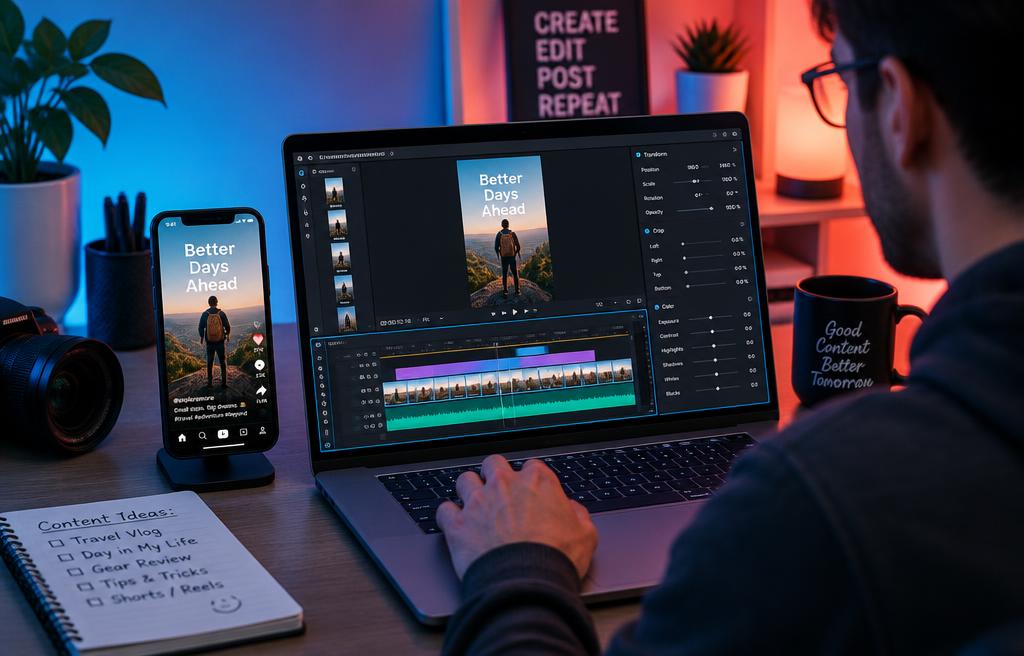
1.1Navigating the CapCut Interface
- Project creation and setup
- Understanding the timeline
- Media import and organization
- Preview window controls
1.2Essential Editing Tools
- Trimming and cutting clips
- Splitting and merging segments
- Rearranging clip order
- Adjusting clip duration
1.3Adding and Editing Audio
- Importing sound and music
- Volume adjustment and fading
- Adding CapCut sound effects
- Audio synchronization basics
1.4Text and Title Creation
- Using default text templates
- Customizing font and style
- Applying text animations
- Adding dynamic text captions
1.5Basic Transitions and Filters
- Applying video transitions
- Adjusting transition duration
- Exploring CapCut filters
- Color grading with basic filters
Week 1
CapCut basics
CapCut basics
Navigating the CapCut Interface
Essential Editing Tools
Adding and Editing Audio
Text and Title Creation
Basic Transitions and Filters
Hands-on project
Short Intro Video