Week 1 · 5 topics · 20 lessons
Spyder & Python basics
By the end of this week: Learners will set up their Spyder environment, understand fundamental Python syntax, and execute basic scripts.
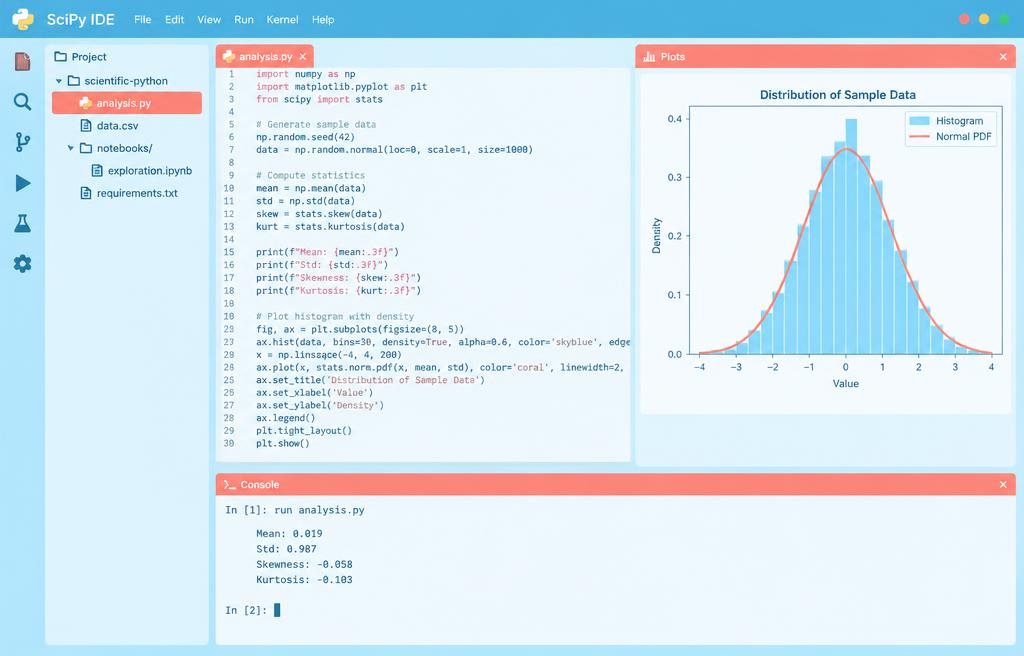
1.1Introduction to Spyder IDE
- Installation and setup (Anaconda)
- Interface overview: editor, console
- Variable Explorer and Plots panes
- Debugger basics: breakpoints, step
1.2First Python Program
- Print function and comments
- Basic arithmetic operations
- Running scripts in Spyder
- Troubleshooting common errors
1.3Variables and Data Types
- Assigning values to variables
- Integers, floats, and strings
- Booleans and NoneType
- Type conversion functions
1.4Input and Output
- Receiving user input (input())
- Formatted string literals (f-strings)
- Concatenation and repetition
- Printing multiple arguments
1.5Conditional Logic
- Comparison operators
- If, elif, else statements
- Logical operators: and, or, not
- Nested conditionals
Week 1
Spyder & Python basics
Spyder & Python basics
Introduction to Spyder IDE
First Python Program
Variables and Data Types
Input and Output
Conditional Logic
Hands-on project
Personalized Greeting Script